Online education has made learning more accessible for students and teaching more flexible for educators. However, maintaining student engagement during virtual lessons can be challenging when learners cannot communicate with teachers as easily as they can in a physical classroom. Live chat helps solve this problem by creating a convenient space where students can ask questions, share ideas, and participate in discussions during online sessions.
With the right live chat for online classrooms, teachers can encourage interaction, clarify difficult concepts, and create a more inclusive learning environment. Whether a class includes a small group of learners or a large number of students, chat functionality can make online lessons more interactive and organised.
What Is Live Chat in an Online Classroom?
Live chat is a communication feature that allows teachers and students to exchange text messages during a virtual class. Students can use it to ask questions, respond to teacher prompts, share relevant information, and communicate without interrupting the ongoing lesson.
Depending on the teaching platform, live chat may also support private messages, file sharing, links, polls, and interaction with other classroom tools. These features help teachers manage classroom communication while keeping learners involved in the lesson.
Key Benefits of Live Chat in Online Learning
1. Encourages Student Participation
Some students hesitate to speak in front of the entire class, even when they have questions or useful ideas. Live chat gives them another way to participate without needing to speak through a microphone or appear on camera.
Teachers can ask students to share answers, express opinions, or respond to short questions through the chat window. This makes participation more accessible to learners with different communication styles.
2. Allows Students to Ask Questions Instantly
When students encounter a difficult concept, waiting until the end of the lesson may interrupt their learning process. Live chat allows them to submit questions as soon as they arise.
Teachers can respond immediately when appropriate or return to unanswered questions at a suitable point in the session. This helps address confusion and allows students to follow the lesson more effectively.
3. Improves Teacher-Student Communication
Effective communication is essential for successful online education. Live chat creates an additional channel through which teachers can provide instructions, clarify assignments, share learning resources, and respond to student concerns.
It also helps teachers understand which topics require further explanation. When several students ask similar questions, the teacher can revisit the concept instead of assuming that everyone has understood it.
4. Supports Collaborative Learning
Online learning does not have to be an individual activity. Students can use chat to exchange ideas, discuss problems, share useful links, and contribute to group activities.
For example, a teacher conducting a science lesson can ask students to suggest possible solutions to a problem. Students can post their answers in the chat, compare different approaches, and learn from one another's perspectives.
5. Provides a Convenient Way to Share Resources
Teachers often need to share reading materials, assignment instructions, reference links, and supplementary resources during a lesson. Chat can make these materials accessible without requiring the teacher to stop the presentation for an extended period.
When supported by the platform, teachers can also share files or direct students to relevant learning materials. This helps learners access important information while the class is in progress.
How Live Chat Makes Online Lessons More Interactive
Interaction is an important part of an effective virtual classroom. Instead of listening to a lecture for the entire session, students can respond to questions, participate in discussions, and demonstrate their understanding.
| Live Chat Activity | How It Helps Students |
|---|---|
| Quick questions and answers | Helps clarify concepts during the lesson. |
| Group discussions | Encourages learners to exchange ideas. |
| Short knowledge checks | Helps teachers identify learning gaps. |
| Sharing resources | Provides convenient access to study materials. |
| Feedback messages | Allows students to communicate their difficulties. |
| Collaborative activities | Supports teamwork and problem-solving. |
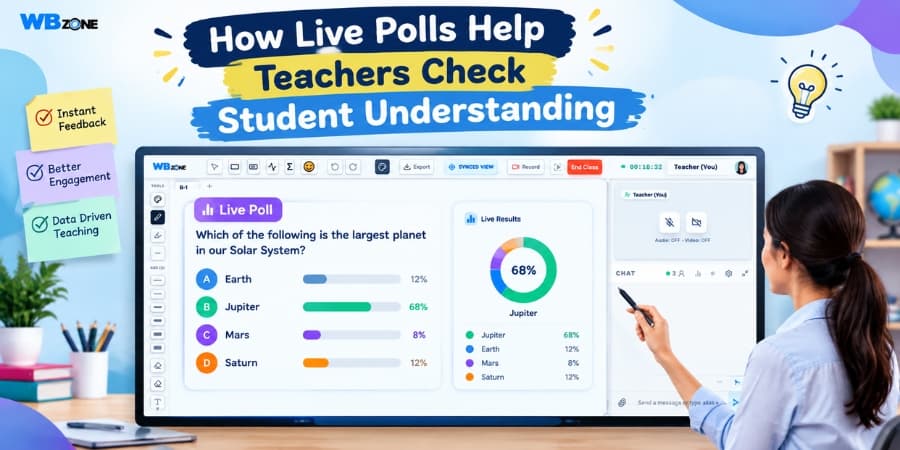
Teachers can combine chat with quizzes, polls, digital whiteboards, and audio-video discussions to create a more engaging learning experience.
How Teachers Can Use Live Chat Effectively
Although chat offers many advantages, teachers need a clear approach to prevent conversations from becoming distracting or difficult to manage.
- Set classroom guidelines: Explain when students should ask questions, share links, and participate in discussions.
- Schedule interaction breaks: Pause at suitable intervals to review questions and encourage participation.
- Ask specific questions: Use short prompts that students can answer clearly and quickly.
- Monitor unanswered questions: Review messages regularly so that important doubts are not overlooked.
- Encourage respectful communication: Maintain a positive environment where learners feel comfortable contributing.
- Summarise important discussions: Highlight useful answers and key points before moving to the next topic.
These practices help teachers balance lesson delivery with student interaction and keep classroom communication focused on learning objectives.
Live Chat for Different Types of Online Classes
School Education
School teachers can use chat to check whether students understand a topic, ask short questions, and clarify homework instructions. It can also help quieter students contribute to classroom discussions.
Competitive Exam Preparation
Teachers preparing students for competitive examinations can use chat to discuss multiple-choice questions, explain answer choices, and collect responses during practice sessions. Students can also ask for clarification about concepts covered in the lesson.
Professional Training
During professional training sessions, participants can share observations, ask questions about practical tasks, and discuss examples related to their field. Chat can help instructors manage questions without frequently interrupting demonstrations.
Recorded and Hybrid Learning
In supported learning environments, chat features may complement live sessions, while discussion tools or comments can help learners engage with recorded lessons. The available functionality depends on the platform being used.
Choosing an Online Teaching Platform With Live Chat
Teachers and educational institutions should choose a platform that supports their teaching requirements and makes communication straightforward for students. A useful online teaching platform should offer an accessible interface, stable classroom access, and features that work together smoothly.
Before selecting a platform, consider these factors:
- Simple access to classroom conversations.
- Integration with live audio and video sessions.
- Tools for sharing study materials and announcements.
- Options for managing participants and classroom discussions.
- Compatibility with commonly used devices and browsers.
- Suitable privacy controls and classroom moderation features.
A platform that combines communication, teaching, and collaboration tools can help educators reduce the need to switch between multiple applications during a lesson.
Make Online Learning More Interactive With WhiteboardZone
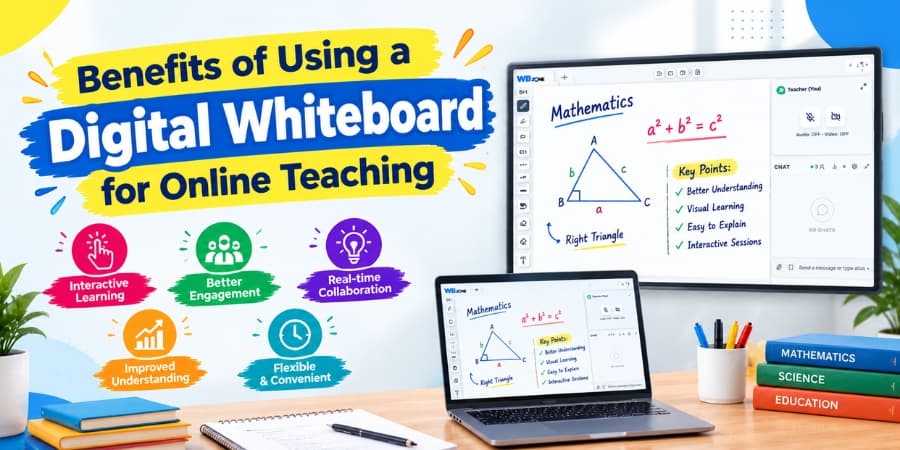
Creating an effective virtual classroom requires tools that help teachers explain concepts and allow students to participate actively. WhiteboardZone provides an online learning environment designed to connect students, tutors, and educational institutions. Depending on the learning setup, educators can use features such as live classes, digital whiteboards, audio-video communication, chat, quizzes, and assignments to support online teaching.
By combining live chat with other interactive teaching tools, educators can make lessons more participatory, address student questions, and organise classroom activities more effectively.
Conclusion
Live chat plays an important role in online classrooms by making communication easier, encouraging participation, supporting collaboration, and helping teachers identify student difficulties. When used thoughtfully, it can turn a one-way online lecture into a more interactive learning experience.
Teachers can get better results by setting clear communication rules, responding to relevant questions, and combining chat with other educational tools. Choosing a suitable online teaching platform with reliable communication features can further improve the way students and teachers connect in virtual classrooms.