Online teaching has made it easier for teachers and tutors to connect with students from different locations. However, keeping students interested, explaining difficult topics, and making sure everyone understands the lesson can be challenging.
The good news is that a few simple changes can make online classes more effective and enjoyable. By using clear explanations, interactive activities, and the right online teaching tools, teachers can create a better learning experience for their students.
1. Prepare Your Lessons Before Class
Planning your lesson before class helps you teach with confidence. Decide which topics you will cover, what examples you will use, and how much time each activity may take.
You can prepare notes, questions, diagrams, and practice exercises in advance. Good preparation helps you explain topics clearly and use class time more effectively.
2. Use a Digital Whiteboard
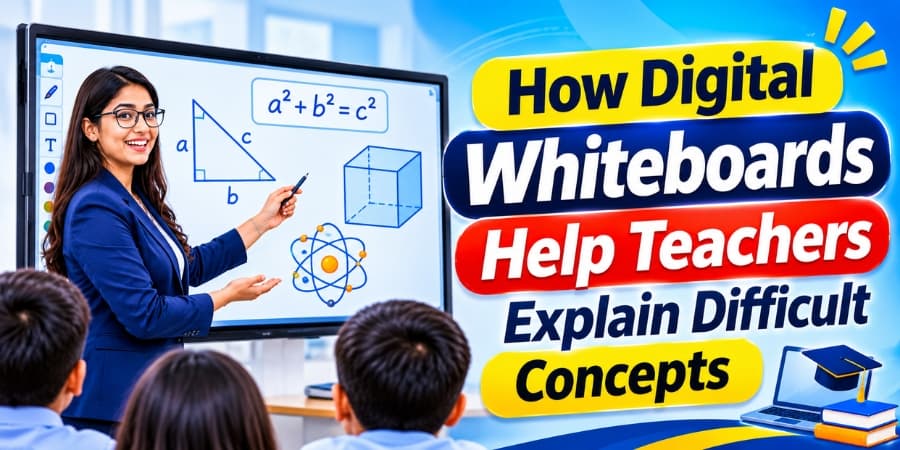
A digital whiteboard helps teachers explain ideas by writing notes, drawing diagrams, solving questions, and showing important points on the screen. It can be especially useful for subjects such as Maths, Science, and other topics that need step-by-step explanations.
Instead of only speaking, teachers can show students how to solve a problem or understand a concept visually. This can make lessons easier to follow.
3. Keep Students Involved
Students may lose interest if they only listen throughout the class. Ask questions, invite students to share their answers, and give them small tasks during the lesson.
You can also use polls, quizzes, and short discussions where your teaching platform supports these features. These activities give students more chances to participate and help you check their understanding.
4. Explain Difficult Topics with Simple Examples
Some topics can be difficult to understand when teachers use only definitions or long explanations. Try connecting the lesson to everyday situations that students already know.
For example, you can use shopping examples to explain percentages or simple drawings to teach scientific concepts. Breaking a difficult topic into smaller steps can also help students understand it more easily.
5. Make Your Online Classes Interactive
Interactive online classes give students more opportunities to ask questions and take part in learning. Encourage them to answer questions, solve problems, share ideas, and explain what they have learned.
Tools such as chat, live polls, quizzes, and digital whiteboards can support classroom interaction when available. Choose activities that match your lesson instead of using too many tools at once.
6. Speak Clearly and Check Understanding
Speak at a comfortable speed and use simple language whenever possible. After explaining an important point, ask students whether they understand it or invite them to explain the concept in their own words.
Give students enough time to answer. Their responses can help you identify topics that need another explanation or more practice.
7. Share Notes and Practice Questions
Students may want to review a lesson after class. Sharing notes, worksheets, practice questions, or a summary of important points can help them revise what they have learned.
If your online teaching platform supports sharing or downloading learning materials, use these features to make revision easier. Keep the material organized so students can find it when needed.
8. Create a Comfortable Learning Environment
A good online class needs clear audio, suitable lighting, and a quiet place to teach. Check your microphone, internet connection, and teaching materials before the lesson starts.
Keep your screen organized and make sure any text or diagrams you show are easy to read. These small steps can help students focus on the lesson rather than technical problems.
9. Give Feedback and Encourage Students
Feedback helps students understand what they are doing well and what they need to improve. Point out mistakes politely and explain how to correct them.
Appreciate students when they make progress, ask questions, or try to solve a difficult problem. A supportive learning environment can encourage them to participate more confidently.
10. Choose the Right Online Teaching Platform
The right online teaching platform can help you manage lessons and communicate with students more easily. Before choosing a platform, consider the tools you need, such as video classes, a digital whiteboard, chat, or interactive activities.
Choose a platform that suits your teaching style and the needs of your students. A simple, useful set of features is often better than a complicated setup that is difficult to manage.
How WhiteboardZone Can Support Online Teaching
WhiteboardZone is an online teaching platform that teachers can explore for their digital teaching needs. A digital whiteboard can help educators present ideas visually, explain concepts, and make lessons more engaging.
When planning your online classes, look for tools that support your teaching method and help students follow the lesson. Visit www.whiteboardzone.com to learn more about WhiteBoardZone.
Conclusion
Improving online teaching does not always require major changes. Preparing lessons, using a digital whiteboard, involving students, explaining concepts with simple examples, and giving helpful feedback can make a real difference.
Start with a few of these ideas and see what works best for your students. With regular practice and the right online teaching tools, you can make your online classes clearer, more interactive, and easier to follow.